Flexible line items
Use products or custom descriptions with quantity units, rates, discounts, and tax values.
Create, preview, print, and manage customer invoices with flexible items, taxes, discounts, payment terms, language options, and clear status tracking.
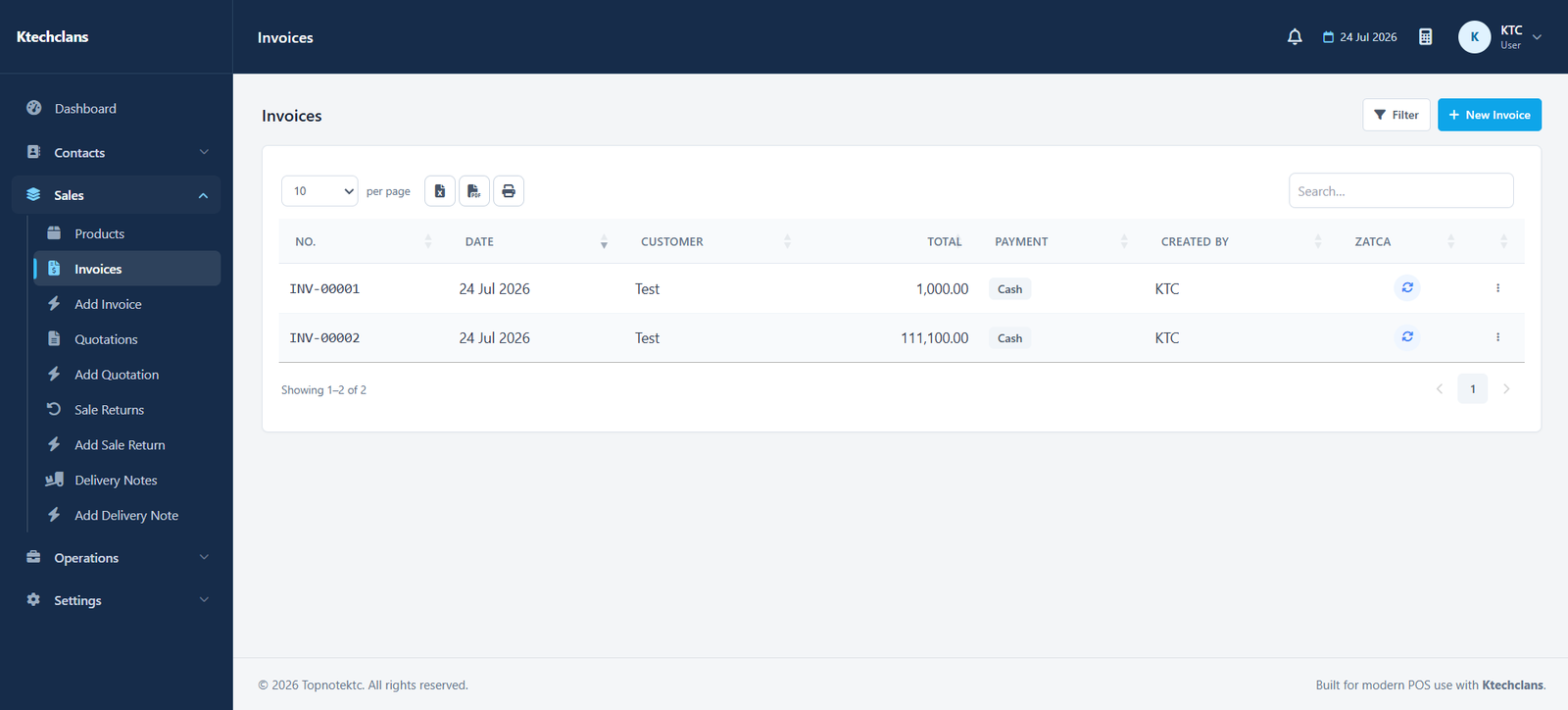
KTC keeps customer, item, tax, payment, and document information in one workflow so every invoice is easier to prepare and review.
Use products or custom descriptions with quantity units, rates, discounts, and tax values.
Check the complete invoice before printing, including business identity, totals, notes, and payment details.
Distinguish drafts, final invoices, paid balances, outstanding amounts, and synchronized documents.
Choose English, Arabic, or bilingual invoice presentation based on your customer and settings.
Each part follows the same practical patterns used throughout KTC, making it easier for teams to learn and work consistently.
Set the customer, invoice date, due date, reference, and payment terms.
Add items, units, taxes, discounts, adjustments, shipping, and notes.
Review the print-ready layout and change available display preferences.
Record payments and keep the outstanding balance connected to the invoice.
Open a free demo of the system that matches your business.