Professional quotations
Present items, quantities, rates, taxes, discounts, validity dates, and terms in a clear document.
Prepare consistent estimates for customers, reuse saved products and services, and convert approved quotations into invoices without duplicate entry.
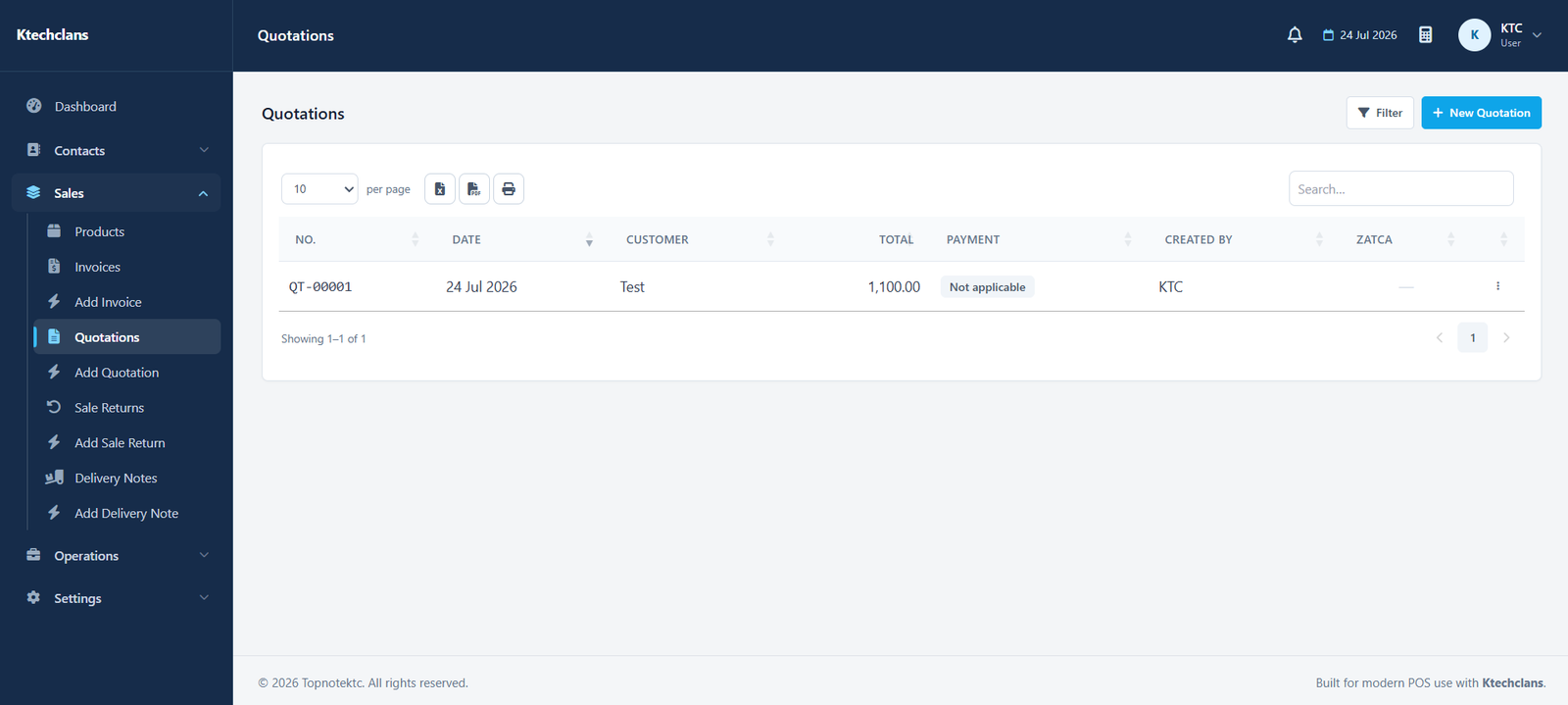
Keep pricing, customer details, taxes, terms, and notes together in a professional document your team can find and reuse.
Present items, quantities, rates, taxes, discounts, validity dates, and terms in a clear document.
Select saved customers and products instead of entering the same information for every quotation.
Move an accepted quotation into the invoice workflow while keeping its original commercial details.
Review draft, issued, accepted, and converted documents from one searchable list.
Each part follows the same practical patterns used throughout KTC, making it easier for teams to learn and work consistently.
Select an existing customer or create one while preparing the quotation.
Enter quantities, units, rates, tax details, discounts, and descriptions.
Preview the final document, print it, or provide a PDF copy to the customer.
Continue to invoicing without rebuilding the document from the beginning.
Open a free demo of the system that matches your business.