Vendor purchase records
Capture supplier, bill date, reference, items, quantities, costs, taxes, discounts, and totals.
Record what the business buys, track vendor documents, categorize operating expenses, and keep cost information ready for reporting.
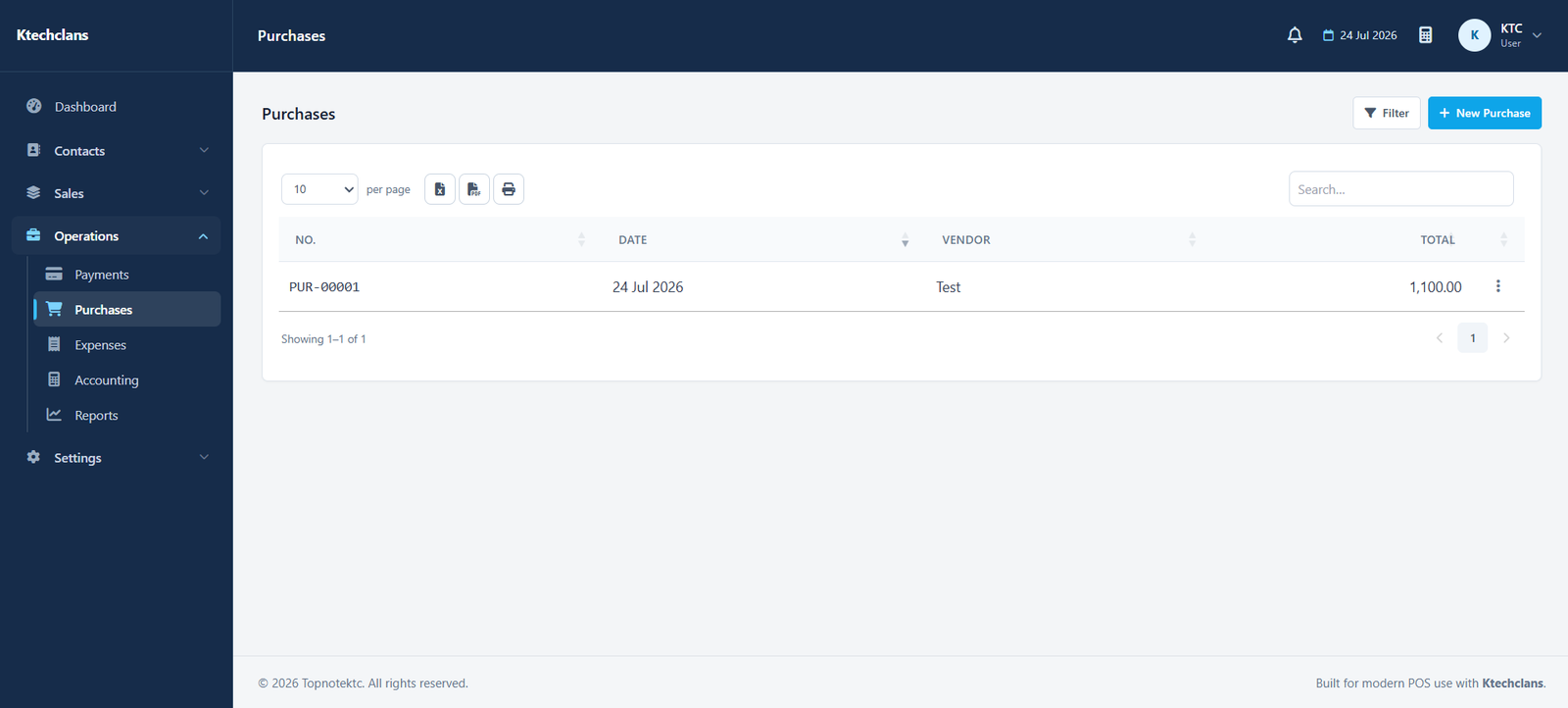
Separate inventory or service purchases from operating expenses while keeping both connected to accounting and profitability.
Capture supplier, bill date, reference, items, quantities, costs, taxes, discounts, and totals.
Group rent, utilities, transport, salaries, marketing, and other costs consistently.
Search purchase and expense records by vendor, category, reference, date, or status.
Bring sales and costs together in reports instead of calculating results manually.
Each part follows the same practical patterns used throughout KTC, making it easier for teams to learn and work consistently.
Choose who supplied the purchase or how the expense should be classified.
Record items or expense amount, taxes, adjustments, date, and reference.
Keep comments and supporting document information with the transaction.
Include saved costs in expense, tax, cash, and profit reporting.
Open a free demo of the system that matches your business.