Multiple payment methods
Record cash, card, bank transfer, cheque, and other configured methods.
Maintain a reliable payment history across customers and invoices using the payment methods your business accepts.
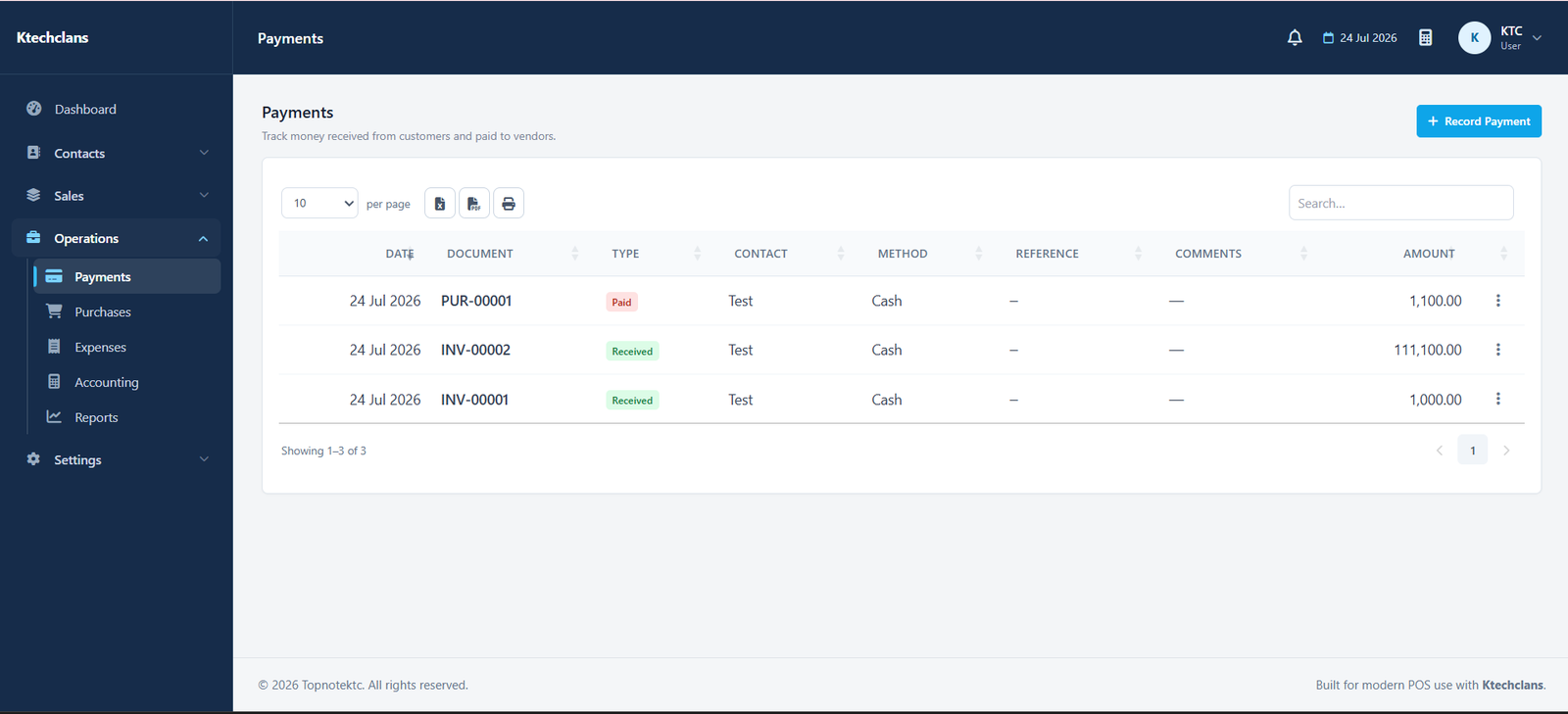
A payment should not live in a separate note or spreadsheet. KTC links the amount, customer, invoice, date, method, and comments.
Record cash, card, bank transfer, cheque, and other configured methods.
Connect collections to the correct invoice and reduce its outstanding balance.
Review when and how a customer paid without searching through unrelated records.
Use recorded payments in cash, bank, and accounting reports for more reliable totals.
Each part follows the same practical patterns used throughout KTC, making it easier for teams to learn and work consistently.
Find the customer whose payment you are recording.
Allocate the amount to an outstanding document where applicable.
Add the date, method, amount, reference, and useful comments.
See updated invoice and customer balances after the payment is saved.
Open a free demo of the system that matches your business.