Sales overview
Compare invoice totals, paid amounts, outstanding balances, returns, and recent activity.
Monitor sales, collections, expenses, taxes, customers, and profitability using reports based on the documents your team already creates.
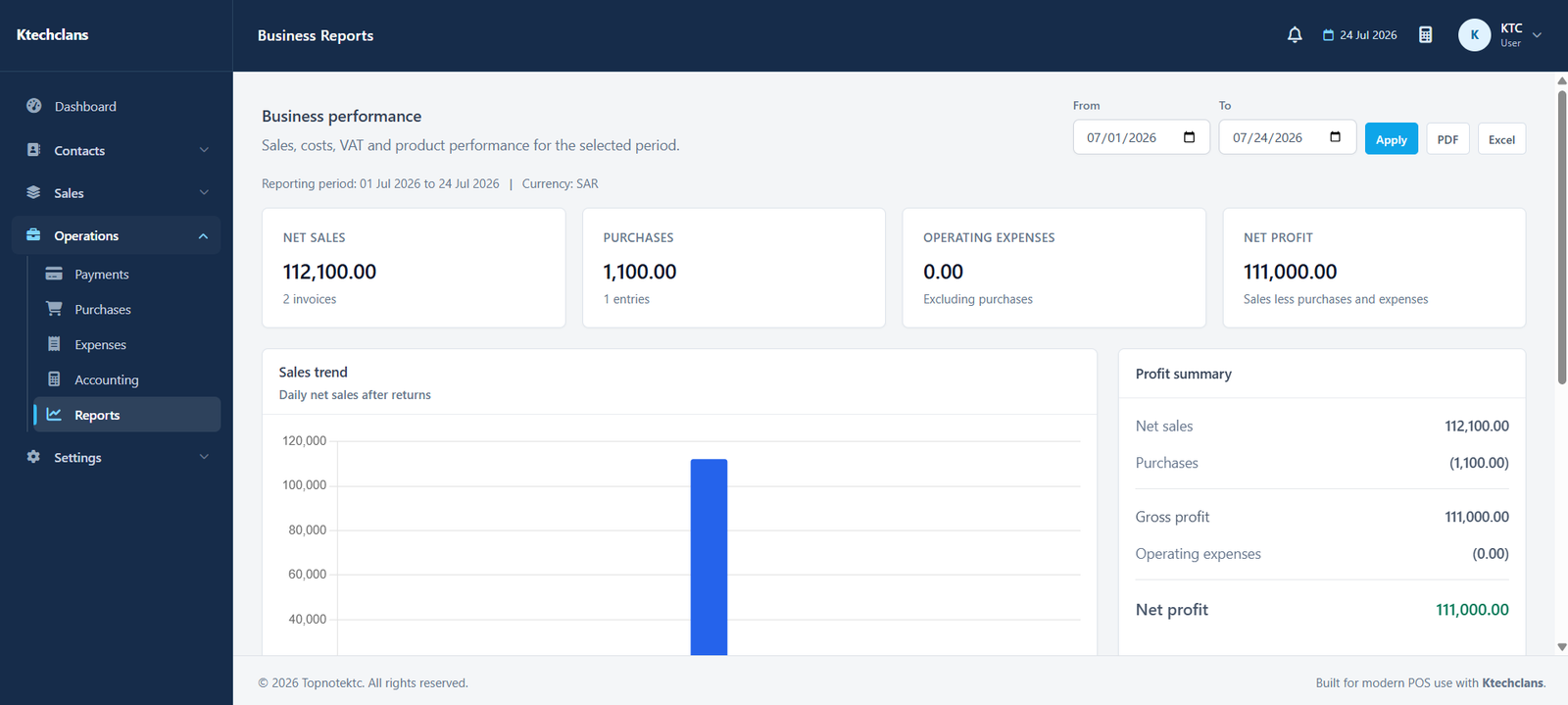
Use date filters and connected records to review performance, follow outstanding balances, and prepare financial information.
Compare invoice totals, paid amounts, outstanding balances, returns, and recent activity.
Review spending by period and category to identify recurring or unusual costs.
Summarize taxable values and tax amounts from sales and purchase documents.
Use concise tables, filters, and print or export options for further review and sharing.
Each part follows the same practical patterns used throughout KTC, making it easier for teams to learn and work consistently.
Open the sales, accounting, tax, cash, bank, or other report you need.
Filter information by the relevant date range and available business criteria.
Move from summarized totals to the supporting transactions where available.
Print or export the report when it needs to be reviewed outside the system.
Open a free demo of the system that matches your business.